
ABOUT THIS ASSET
Junk Removal Simulator
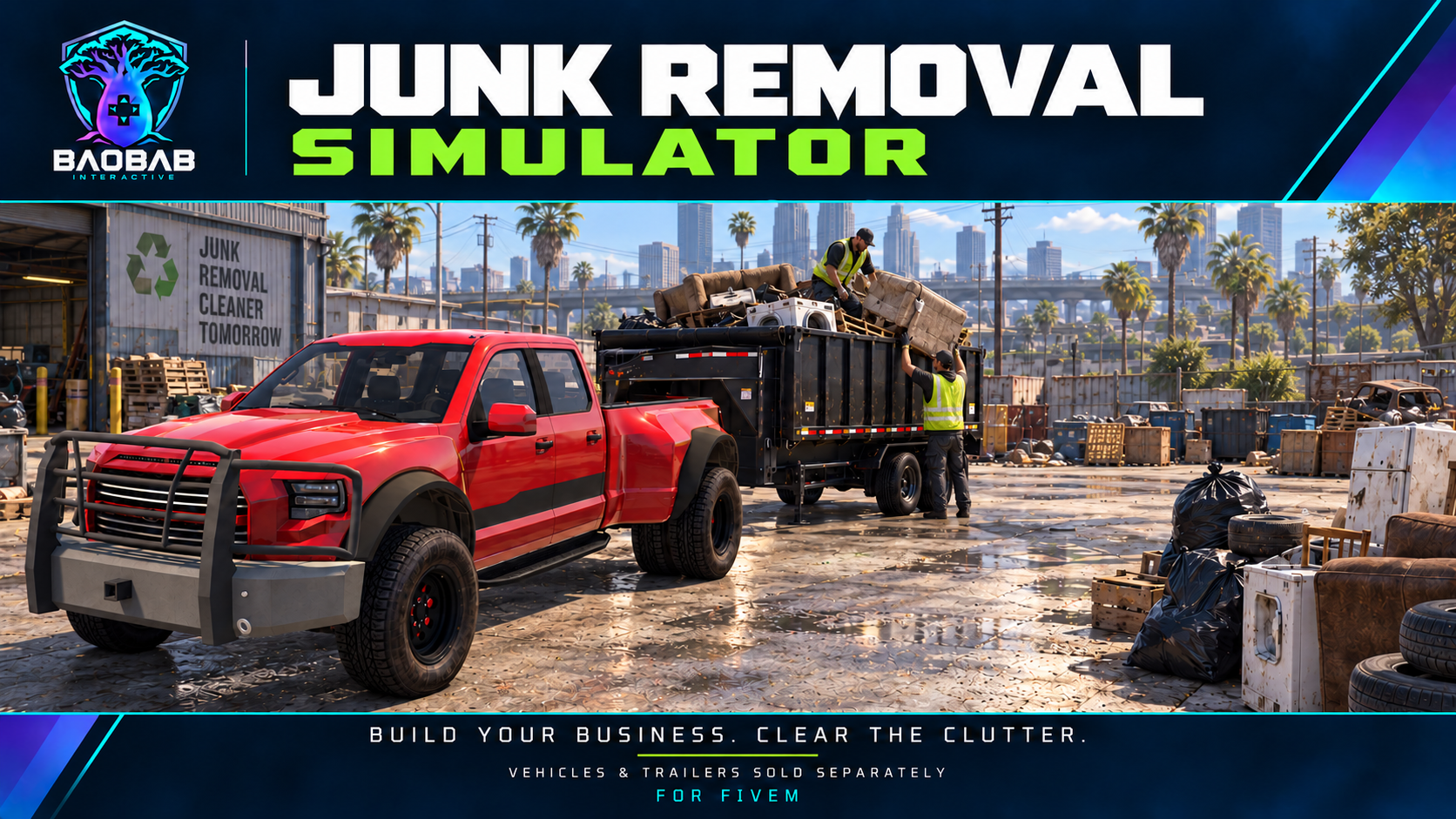
Run your own junk removal business on a FiveM roleplay server. Start with a pickup and build a company one cleanup at a time. Talk to customers through your tablet, inspect the pile, negotiate a quote, and load your rig. Dispose of or recycle the haul, review your receipt, and reinvest in equipment, skills, and a business with its own identity.
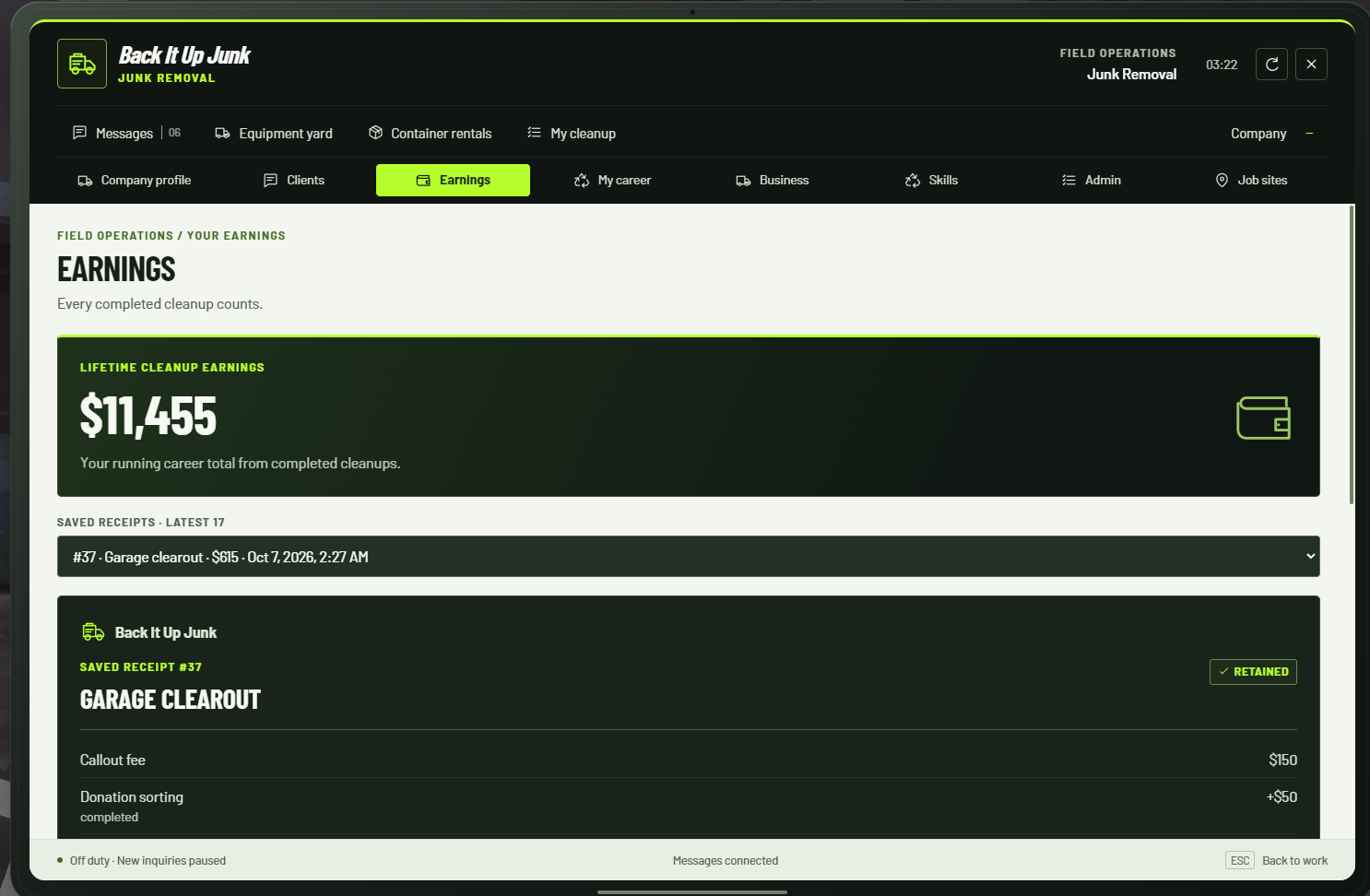
Gameplay system only. Add-on trucks, trailers, and skid-steer resources are sold or installed separately. Cover artwork shows optional equipment; the gallery shows the in-game interface.
Screenshots
Select a screenshot to open the full-size image in a new tab.
Inside the resource
Explore the detailsStandalone, ESX, QBCore & Qbox · OneSync required · Optional equipment sold separately
Customers, quotes & cleanups
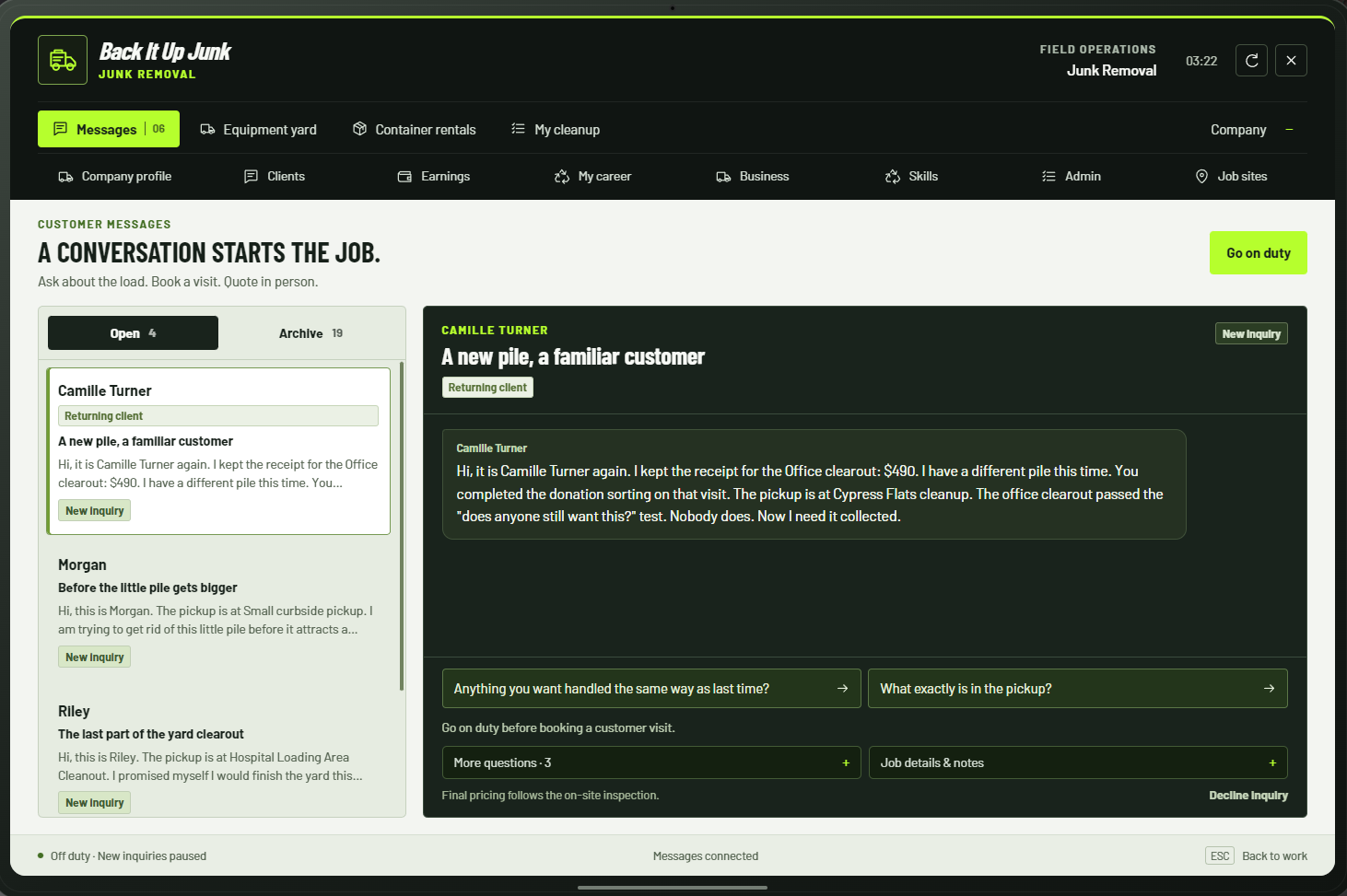
- A conversation starts the job
- Receive tablet inquiries, ask about the cleanup, and arrange a visit. Returning customers and referrals bring more work to your company.
- Inspect & negotiate
- Assess the junk on site, discuss the price, and agree on the scope before loading.
- Hands-on work
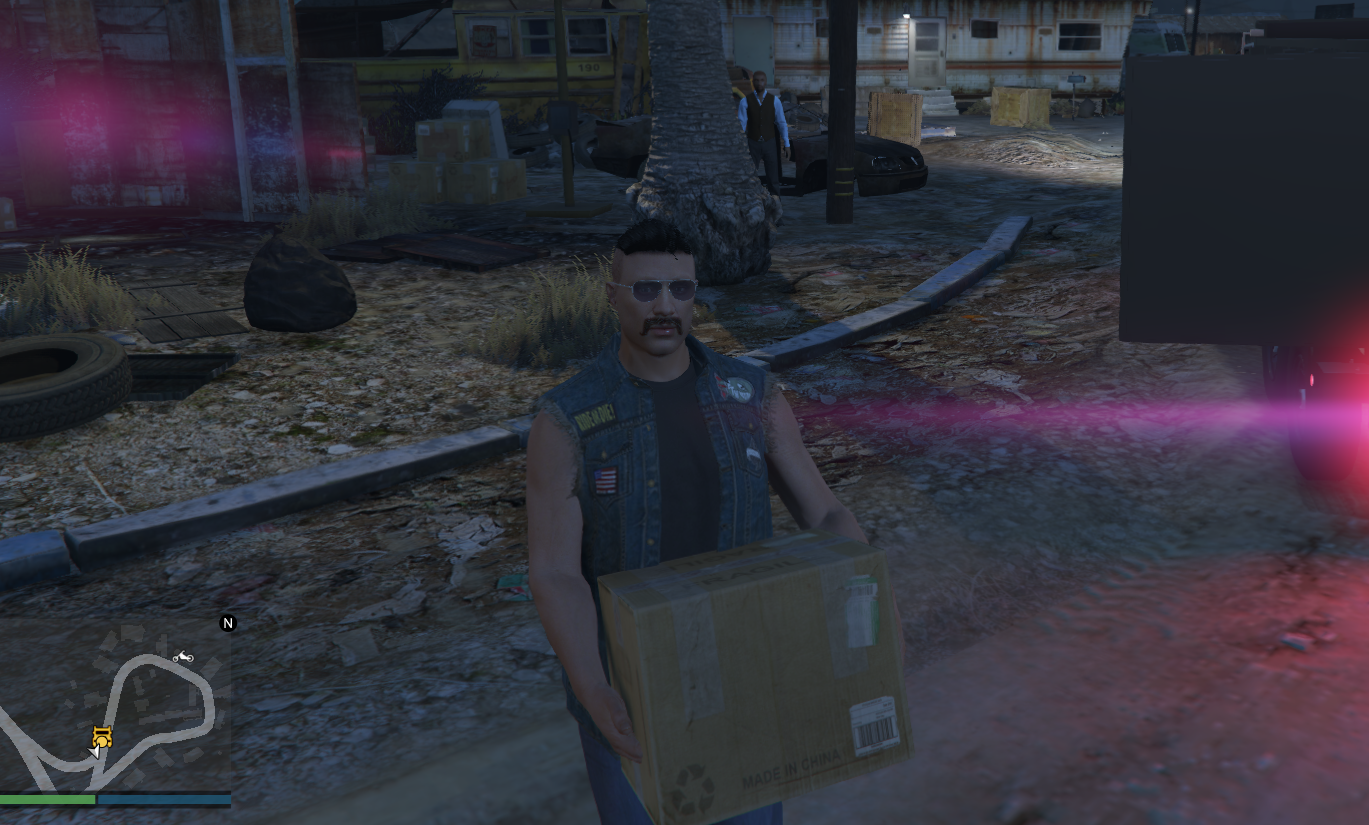
- Collect and load junk, complete multi-load cleanups, handle service extras, and dispose of or recycle the haul. Salvage adds another way to earn.
Your company & career
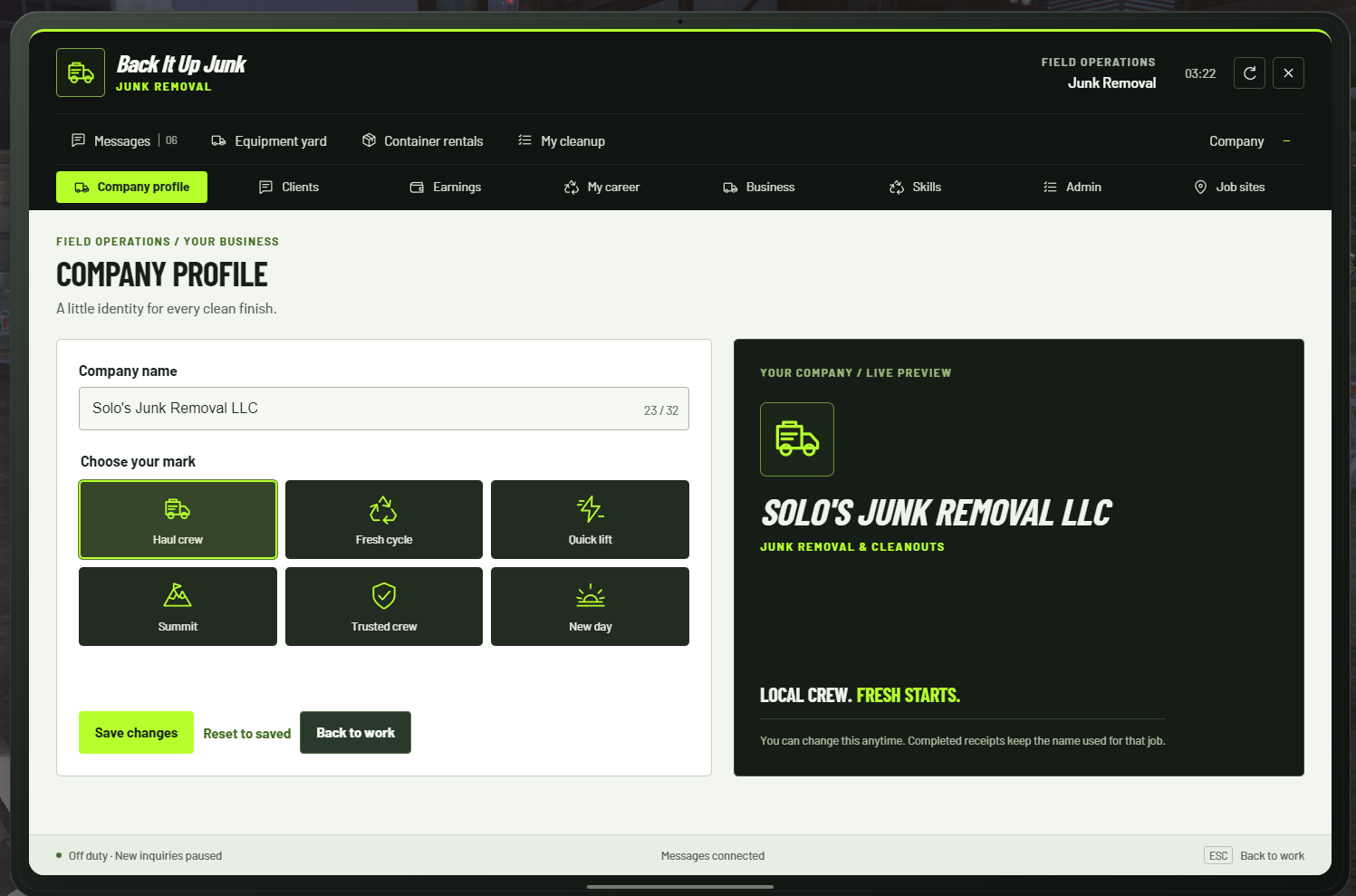
- Make it your business
- Choose a company name and one of six included logos.
- Progression & skills
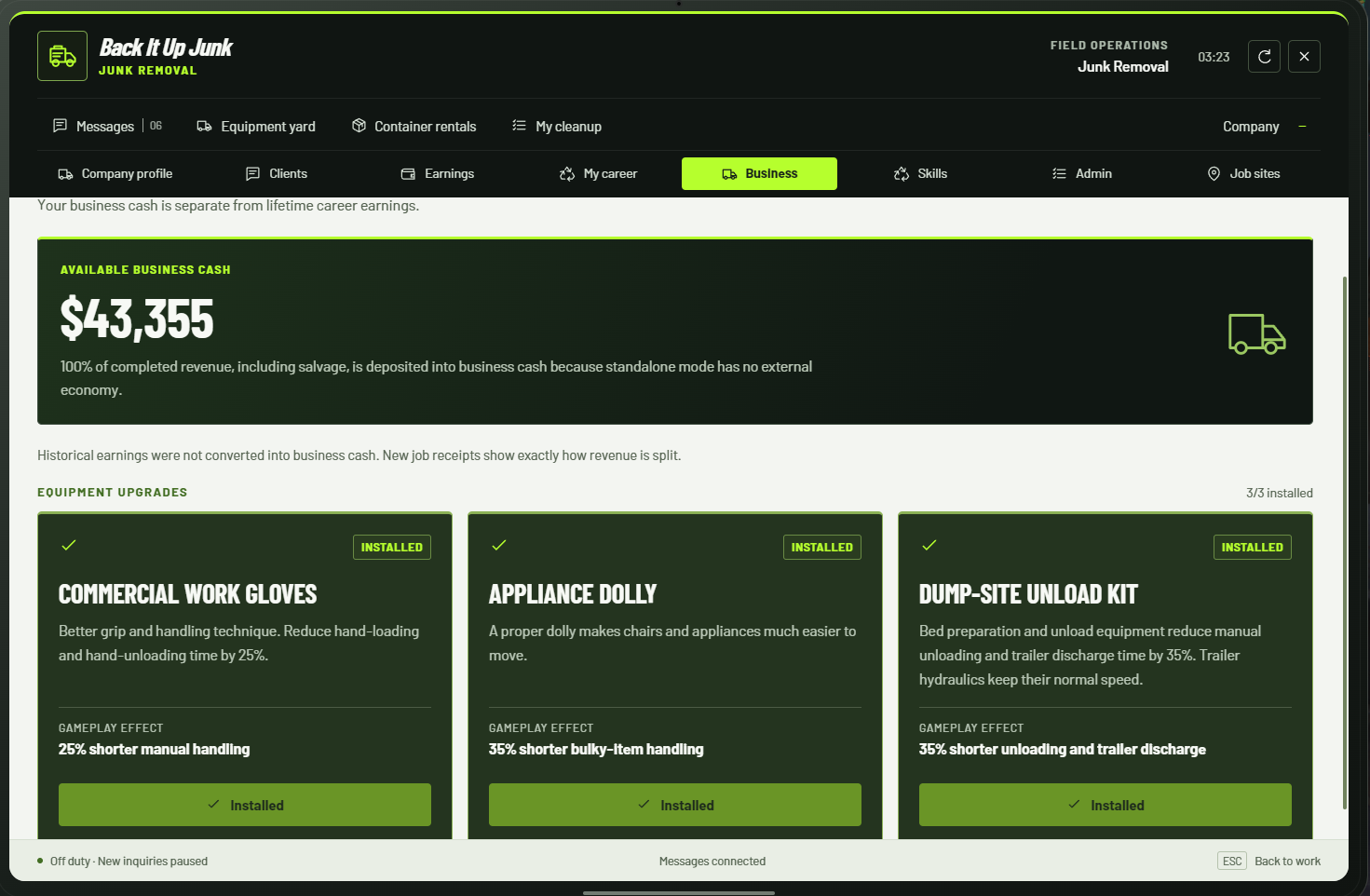
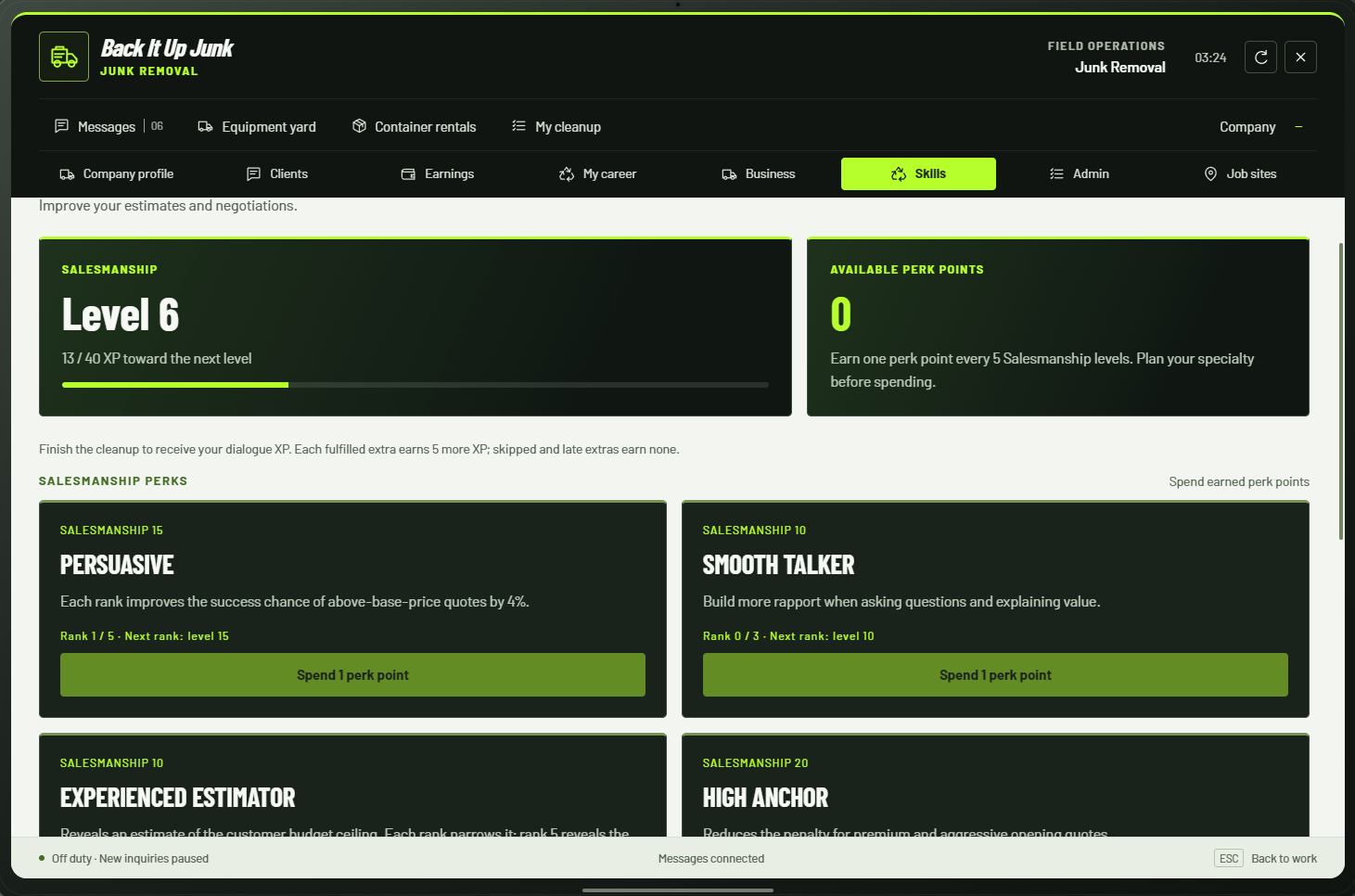
- Earn career XP, develop Salesmanship, spend perk points, and purchase business upgrades.
- Business funds & receipts
- Track available business cash separately from lifetime earnings and review itemized receipts.
- Saved progress
- Character-scoped careers, purchases, conversations, and receipts are saved. Resume eligible unfinished cleanups through the recovery flow.
Equipment & container services
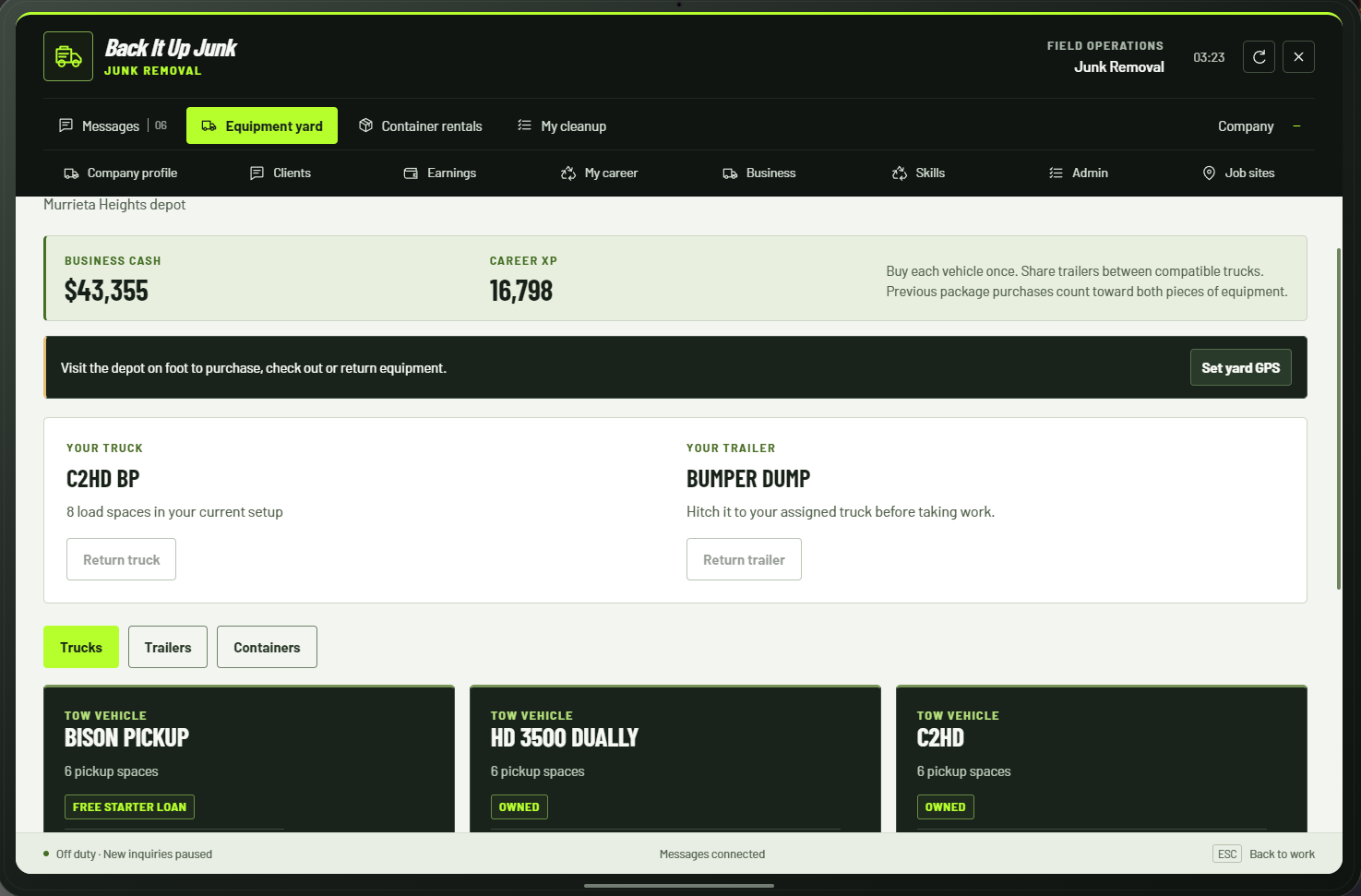
- Start with a pickup
- Standalone play can use the stock Bison without an add-on vehicle resource.
- Grow your fleet
- Purchase, check out, and return supported trucks, trailers, and containers through the equipment yard as you progress.
- Dump trailers & roll-off work
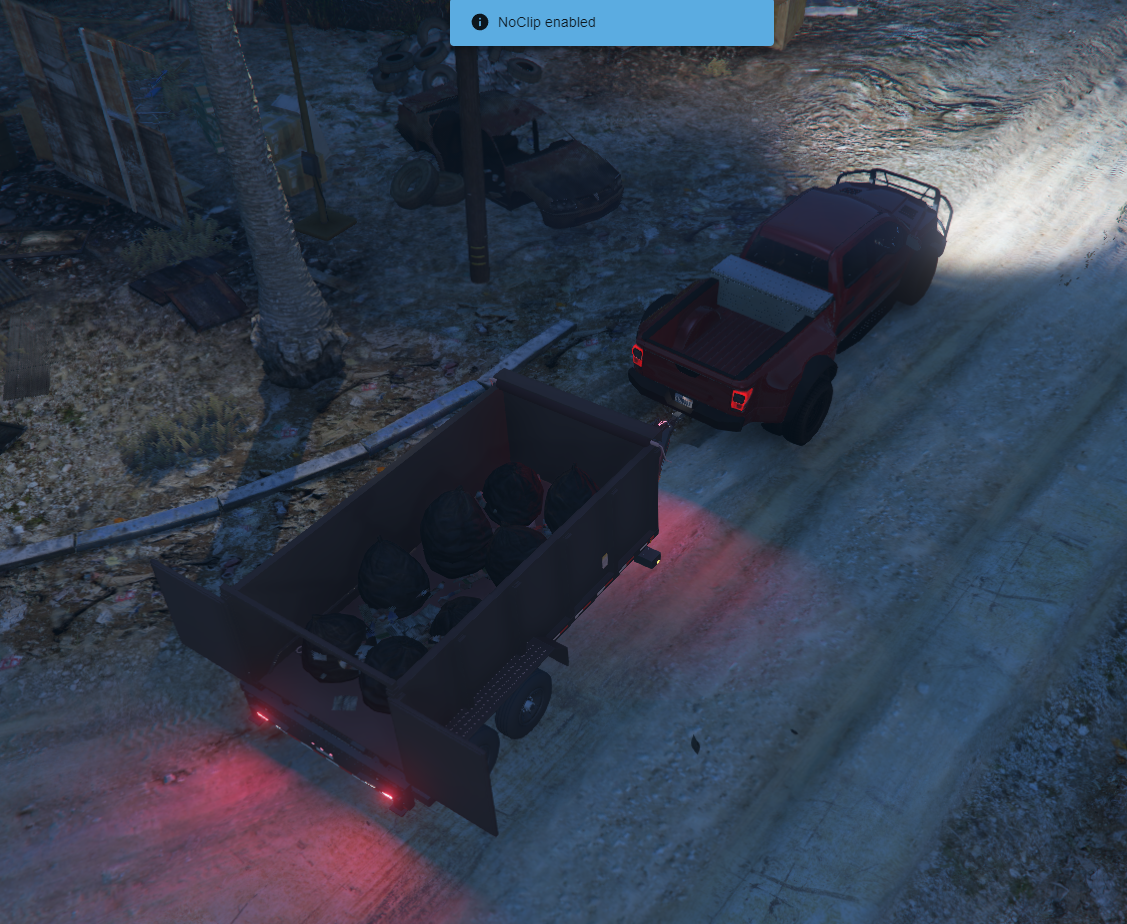
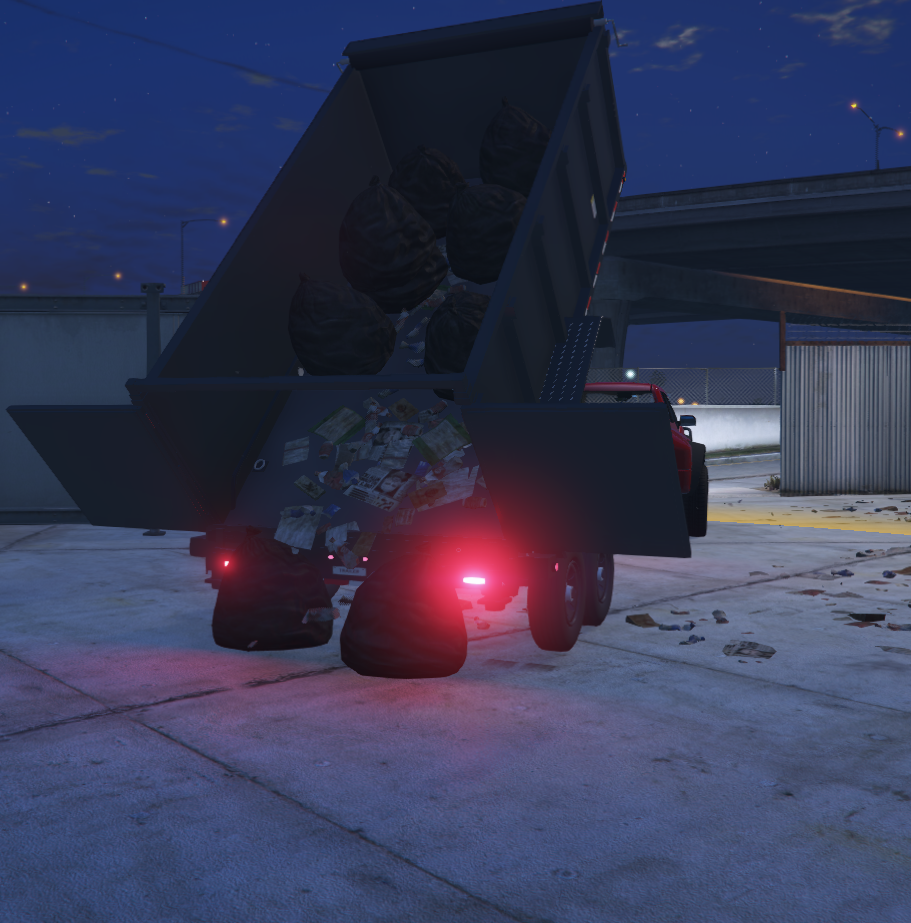
- Separately installed compatible equipment enables trailer hauling, dumpster exchanges, and container rentals. Supported trailers show accumulating junk and discharge during disposal.
- Optional machine jobs
- Supported skid-steer resources enable additional on-site jobs. The machine resource is not included.
Server setup & administration
- Choose your framework
- Explicit Standalone, ESX, QBCore, or Qbox configuration. Standalone mode needs no inventory, targeting resource, or external UI library.
- Build custom job sites
- Use the in-game editor to place customers, parking, and junk. Export authored jobs into the editable deployment configuration.
- Player administration
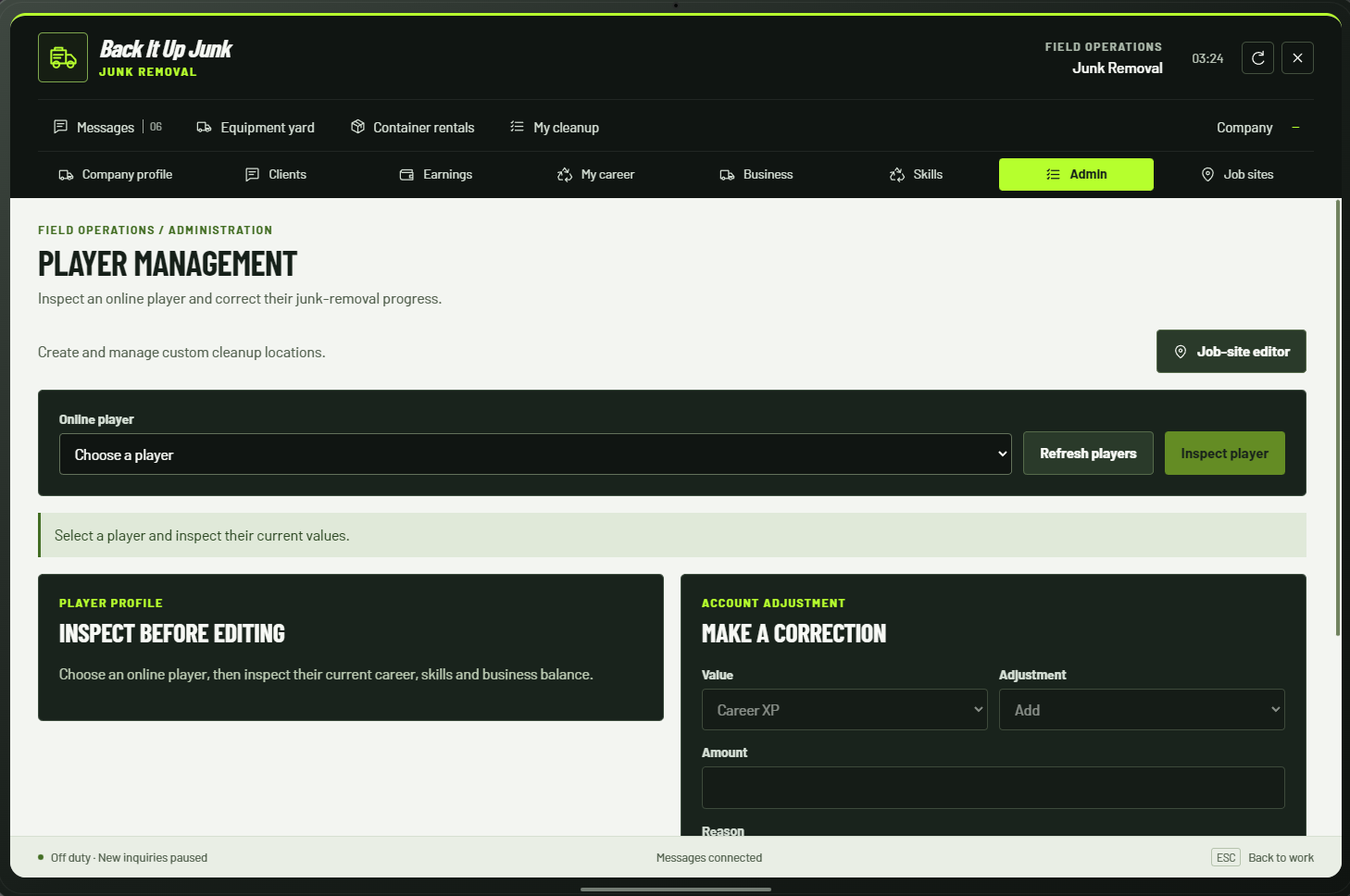
- ACE-protected tablet tools let administrators inspect and adjust player progression and business balances.
- Configure your server
- Adjust prices, skills, equipment, company settings, customers, rentals, and job locations using the included configuration and documentation.
Requirements & compatibility
Requires a FiveM/FXServer server with OneSync enabled. Keep the resource folder named junk_removal. Install optional equipment and its compatible controllers separately.
- The base standalone setup works with the stock Bison. Add-on truck, trailer, and skid-steer models/controllers are not included.
- Select the framework in configuration and start it, plus any optional equipment resources, before junk_removal.
- Use F6 or /junk to open the tablet. Key bindings can be changed in FiveM.
- Optional equipment features depend on installed resources, supported controller APIs, vehicle fitment, and player unlocks.
- Player and company data use resource KVP. Preserve the resource name and back up saved data alongside your configuration.